4.9/5 from homeowners, designers & estate agents

Redesign any room,
before you spend a penny

Upload one photo and Remodelling Centre reimagines your space in about 30 seconds. The walls and layout stay exactly as they are. The style, furniture and finishes transform.

Redesign my room now
or
Continue with Google

Free to try. No credit card to see your first designs.

Why people switch Renders in ~30 seconds Keeps your room's structure Your photos stay private
See it first

Your room, redesigned in one photo

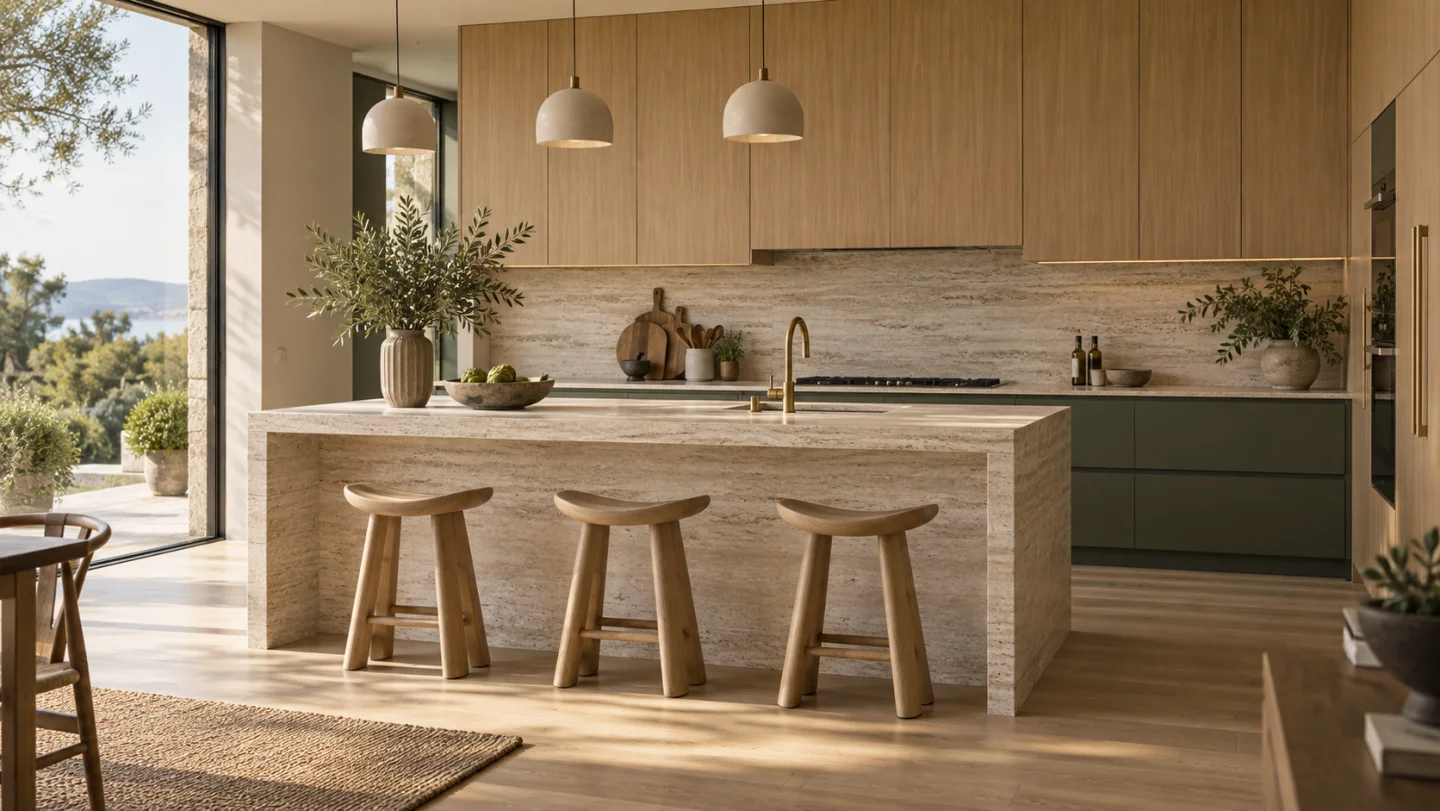
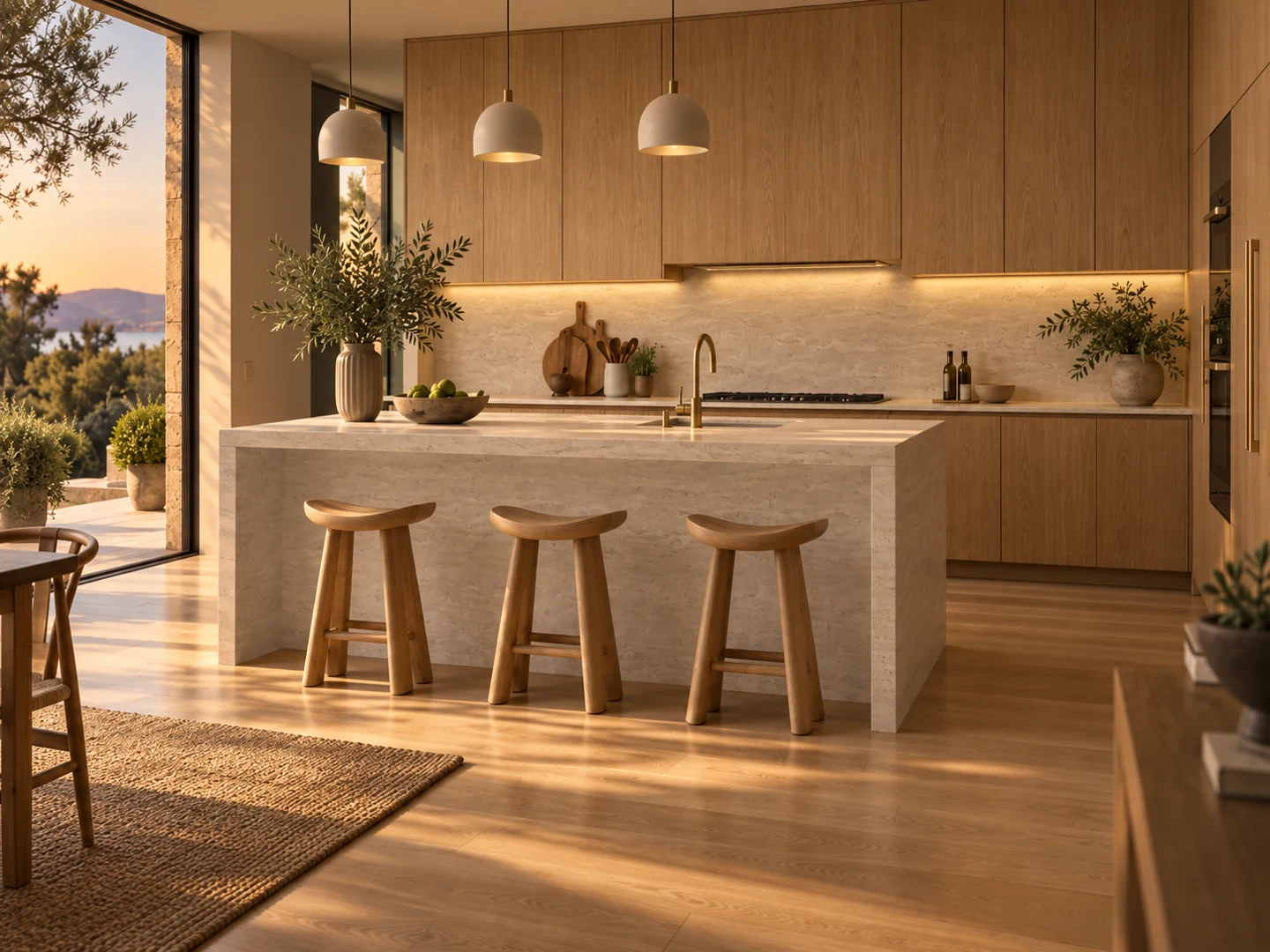
Drag the handle to compare the original room with the AI redesign. Same walls, windows and layout, a completely new look.

Before After Original living room before AI redesign Living room redesigned by Remodelling Centre AI
Virtual staging

Furnish an empty listing instantly

87%
faster sale, staged vs. empty
+15%
typical sale price lift

Start with a bare room and let Remodelling Centre add flooring, furniture, art and lighting, while keeping the architecture untouched. Perfect for estate agents, hosts and renovators selling a vision.

Stage a room
Empty living room staged with contemporary furniture by AIAI staged
Sketch to render

Turn a rough sketch into a photoreal room

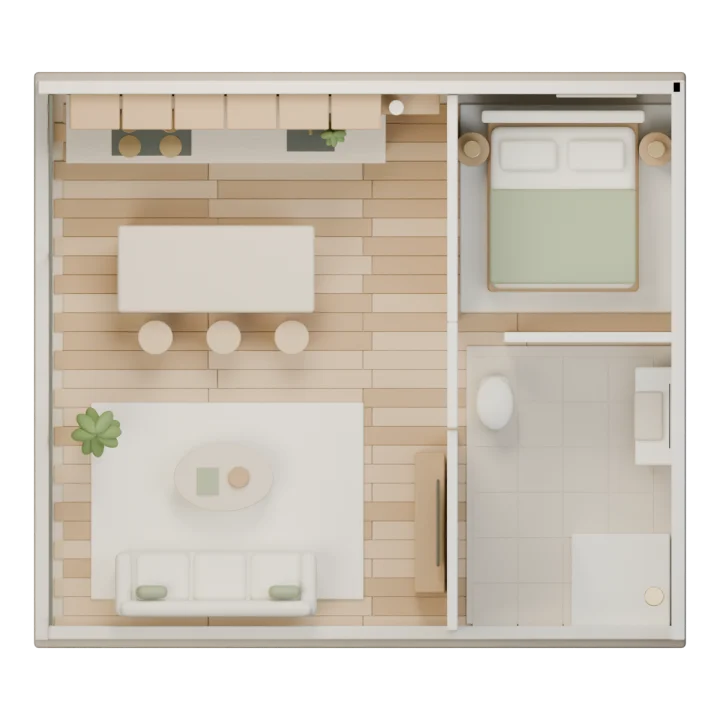
Upload a hand sketch or a SketchUp export and get a photorealistic render about 30 seconds later. The fastest way to show a client what a concept actually looks like, no prompt writing required.

Try sketch-to-render
Rough starting roomInput
Photorealistic AI renderRender
3D walkthrough

Step inside the design

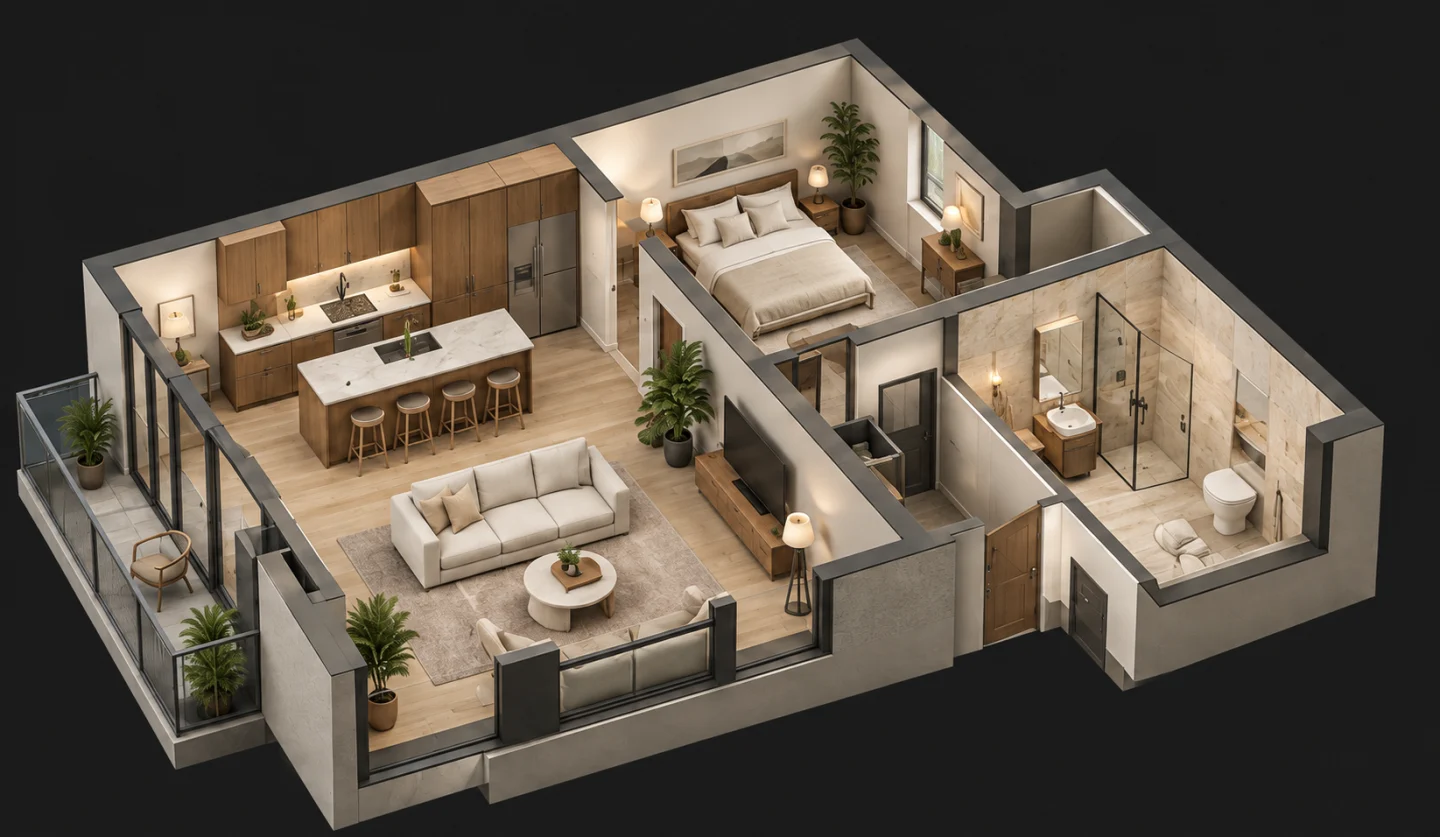
Turn any render into an immersive 3D flythrough and walk the space from every angle. Get a real sense of proportion, flow and light before a single wall is touched.

Explore in 3D
3D walkthrough preview of a luxury interior
3D walkthrough preview
50+ styles

One click, a whole new aesthetic

No prompt writing. Pick a style and Remodelling Centre designs your room in it, from Japandi calm to Art Deco glamour.

Modern interior style
Modern Clean lines, calm neutrals
Scandinavian interior style
Scandinavian Light woods, soft texture
Japandi interior style
Japandi Quiet warmth, natural calm
Minimalist interior style
Minimalist Pared back, clutter-free
Luxury interior style
Luxury Rich materials, depth
Industrial interior style
Industrial Raw brick, dark metal
Mid-century interior style
Mid-century Sleek lines, organic shapes
Coastal interior style
Coastal Breezy light, natural fibres
Art Deco interior style
Art Deco Bold geometry, glamour
Bohemian interior style
Bohemian Eclectic, layered, lived-in
Rustic interior style
Rustic Reclaimed wood & stone
Farmhouse interior style
Farmhouse Warm, classic, comfortable
Mediterranean interior style
Mediterranean Sun-washed, earthy tones
Contemporary interior style
Contemporary Current, refined, balanced
Traditional interior style
Traditional Timeless, considered detail
Transitional interior style
Transitional Classic meets contemporary
Browse every style in the Studio
Why Remodelling Centre

Built to keep your room your room

Most AI tools redraw the walls and warp the space. From the same photo, Remodelling Centre keeps the architecture and changes the design.

Best overall

Remodelling Centre

  • Keeps room construction
  • Sharp, photoreal output
  • High-resolution renders
  • 50+ interior styles
  • Virtual staging mode
  • Sketch-to-render
  • 3D walkthrough

Decorify

  • Alters construction
  • Sharp output
  • High resolution
  • Limited styles
  • No staging mode
  • No sketch support
  • No 3D walkthrough

AI Room Planner

  • Alters construction
  • Blurry output
  • Low resolution
  • Limited styles
  • No staging mode
  • No sketch support
  • No 3D walkthrough

RoomGPT

  • Alters construction
  • Decent photorealism
  • Low resolution
  • Limited styles
  • No staging mode
  • No sketch support
  • No 3D walkthrough
Loved by users

What people make with it

"I use a phone photo to test the furniture layout with clients before I prepare the measured drawings."

Claire Dunne

Interior designer

"We compared two versions of the empty dining room and agreed on the table position before buying anything."

Emma Blake

Homeowner

"I use a staged image beside the original vacant room. It gives buyers an idea of scale without pretending the furniture is included."

Richard Moss

Estate agent

"During a site visit I show owners two finish options on the room photo. It is easier than asking them to imagine samples in isolation."

Mara Hollins

Builder

"I prepare a small concept board with the same room in two styles. It gives the team a useful starting point for the detailed mock-up."

Natalie Cole

Design lead

Plans & pricing

Plans that scale with your projects

Every plan includes all 50+ styles and every design mode. No hidden fees, cancel anytime.

Monthly Yearly Save up to 33%

Starter

For trying Remodelling Centre on one space or a handful of ideas.

£ 15 10 /month

Billed monthly

£120 billed yearly

  • 50 renders / month
  • Interior & exterior redesigns
  • Virtual staging mode
  • Commercial use for your projects
  • Cancel anytime
Choose Starter

Pro

For designers, builders & repeat property work.

£ 60 42 /month

Billed monthly

£500 billed yearly

  • 500 renders / month
  • Everything in Project
  • Higher-volume exploration
  • All design modes
  • Commercial project use
Choose Pro

Agency

For agencies, estate-agency teams & high-volume output.

£ 120 83 /month

Billed monthly

£1000 billed yearly

  • 1,500 renders / month
  • Everything in Pro
  • Large listing & client batches
  • Consistent production workspace
  • Commercial team use
Choose Agency

Just want to try it?

Room Test Pack — 10 renders, one-time, no subscription.

FAQ

Questions, answered

How does Remodelling Centre work?

Upload a photo of your room, pick a style and room type, and the AI redesigns it in about 30 seconds, keeping the walls, windows and layout intact. Choose from 50+ styles and modes including interior design, virtual staging and sketch-to-render.

Can I virtually stage empty listings?

Yes. The Virtual Staging mode fills empty rooms with furniture and decor while preserving the building's construction. Staged homes tend to sell faster and for more, which makes this popular with estate agents and hosts.

What photos work best?

Straight-on, well-lit, sharp photos of a wall or window give the most accurate results. Angled shots work too, just with a little less precision. The better the input, the better the render.

How long does a render take?

About 25–30 seconds each. You can generate several variations at once and pick your favourite.

Are my photos private?

Yes. Your photos and renders are only accessible by you, stored securely, and never used to train models.

What does a render credit mean?

One credit is one generated image. Plans include a monthly allowance of renders, and the one-time Room Test Pack gives you 10 to try the studio with no subscription.

Can I cancel anytime?

Yes. Cancel from your billing page whenever you like, no long-term commitment. Designs you've made stay accessible.

Which payment methods do you accept?

All major credit and debit cards, processed securely through Stripe.

Start now

Your next room is one photo away

Upload a photo and see your space redesigned in seconds. Free to try, no design skills needed.

Open the Studio